


1. Using an Unstable Phone Number
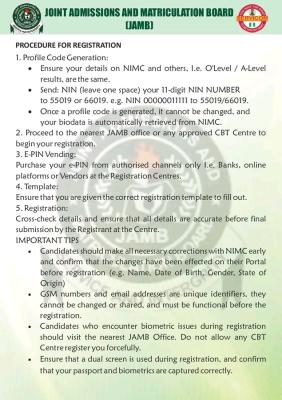
Once a candidate obtains a profile code with a phone number, the number is automatically tied to the candidate’s profile. The phone number cannot be changed, even if the candidate sits for JAMB in subsequent years. Therefore, before generating your profile code, ensure the phone number is one that can be retrieved if it gets lost. You may use your parent’s phone number. Checking of results and acceptance of admission are usually done using the registered phone number.
2. Using a Wrong Email Address
Ensure that you have a valid and accessible email address before going for registration. At the point of registration, make sure your email is correctly captured. Your JAMB password is automatically sent to the registered email after registration, and sometimes JAMB reaches out to candidates through their emails. Password retrieval is also done via email.
3. Wrong Subject Combination
Failure to gain admission is sometimes due to not registering the correct UTME subjects or not having the required subjects in O’Level (WAEC, NECO, GCE) for the chosen course. For example, most engineering courses require the UTME subject combination of English Language, Mathematics, Physics, and Chemistry. Some institutions, such as UNILAG, require at least a credit pass in Further Mathematics at O’Level. Failure to select the correct subjects can invalidate your application, regardless of high scores.
To avoid selecting the wrong subjects, visit the JAMB IBASS portal to check course and institution eligibility.
4. Late Registration
One implication of late registration is that a candidate may be posted to a centre that is far from their place of residence. It is advisable to register early to avoid this.
5. Name Mismatch
Ensure that the name on your NIN corresponds with the one on your O’Level results before proceeding with registration. Seek professional clarification or advice if necessary.
6. Not Applying for Data Correction
Apply for data correction for any incorrect biodata, such as state of origin, date of birth, or name.
7. Not Reviewing the Registration Slip
Always check your registration slip for possible errors after registration.


Community Feedback